[nggallery id=2]
使用此Shortcode來顯示單一Gallery:[[nggallery id=2]]
[album id=1 template=compact]
使用此Shortcode來顯示單一Album:[[album id=1 template=compact]]
[album template=compact]
使用此Shortcode來顯示所有Album:[[album template=compact]]
[singlepic id=7 w=320 h=240 mode=web20 float=]
使用此Shortcode來顯示單一圖片:[[singlepic id=7 w=320 h=240 mode=web20 float=]]
設定方法
在安裝NextGEN Gallery時,插件已同時在文章及頁面編輯器中加入如下圖所示的按鈕,標示為「NextGEN.desc」。
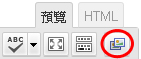
當你在文章或頁面編輯器中按下該按鈕後,選項小視窗便會出現。
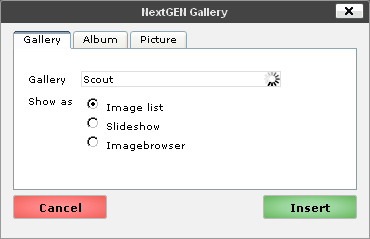
按照你的需要,如要顯示單一Gallery,請在「Gallery」中選擇正確的Gallery,然後按「Insert」;
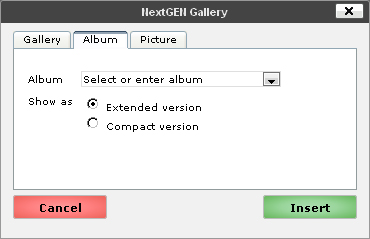
如要顯示一個Album,則在「Album」分頁中選擇一個Album;
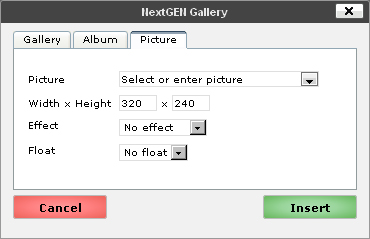
如要顯示單一圖片,則在「Picture」分頁中選擇該張圖片。